- CMS
- Pages
- Categories
- CMS overview
- Creating and Publishing a New Blog Post
- How to Create and Edit Pages using Page Templates
- Creating PageBuilder Elements
- How To Send A Custom Message With Attachments
- Customizing Your Website Header and Header Settings
- Users
- eLearning
- Managing a Course
- Courses
- eCommerce
- Customize
- Customize Dashboard Menu
- Landing Pages using Claude or Codes
- Customize User Dashboard
- Gamification
- Use leaderboards and monitor program health
- Review the points log
- Plan badges, levels, and rewards
- Create and manage point rules
- Gamification overview
- Interface
- How to switch between roles ?
- FAQs
- How is monthly active users recorded ?
Customizing Your Website Header and Header Settings
Learn how to configure your site's top bar and bottom menu layouts effortlessly through the dashboard. This guide will walk you through enabling key interactive features like the shopping cart, search bar, and theme toggles to enhance your user experience.
1. Navigate to Administrator Dashboard
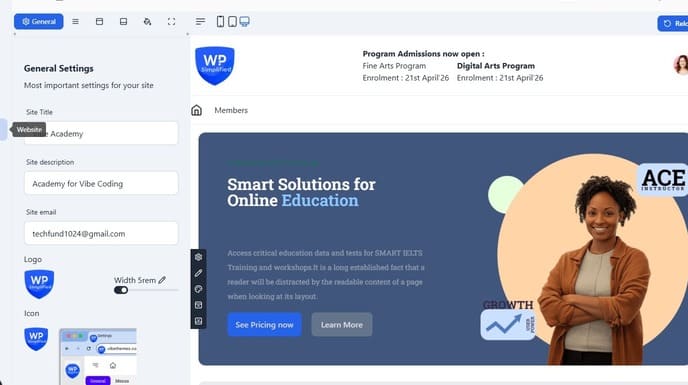
2. Go to Website Customizer
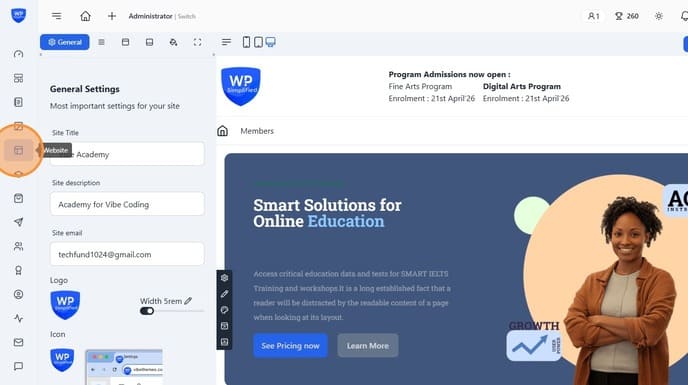
3. Go to Header section
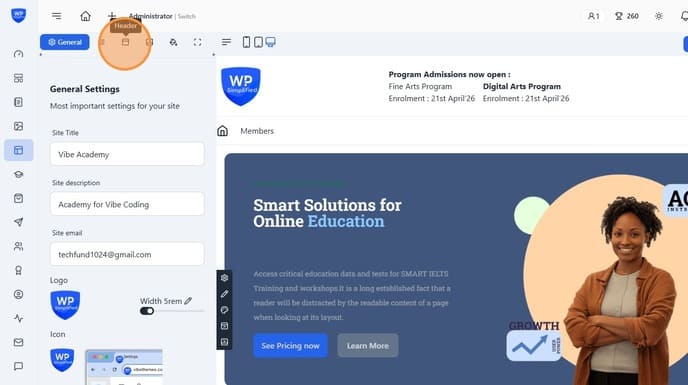
4. Change the Header Style
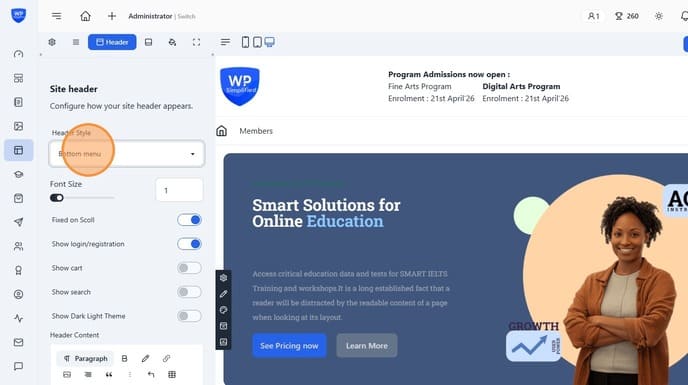
5. Chose the one which you want for your website. There are 4 designs as of now which would be increased later on.
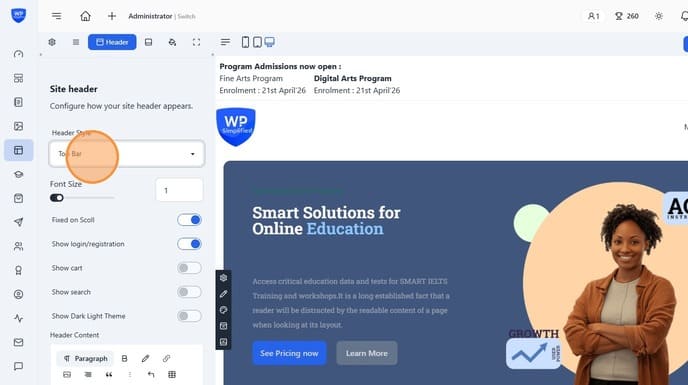
6. Set the font size, this impacts the menu and the header content
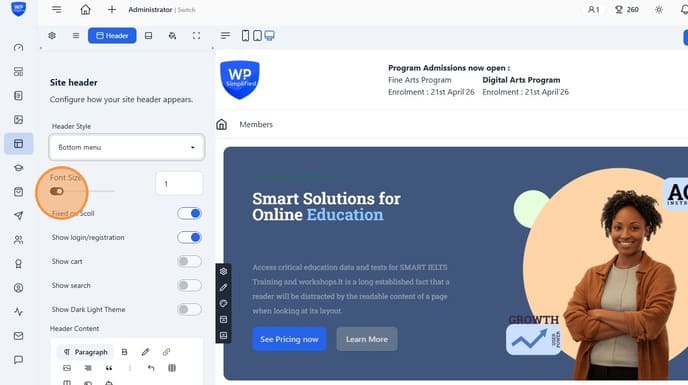
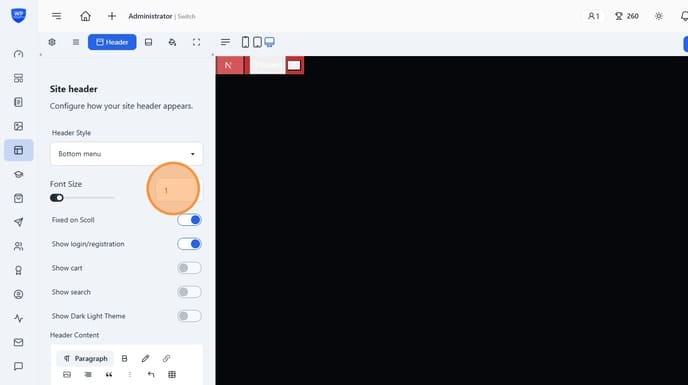
7. Or directly enter the font size in rem.
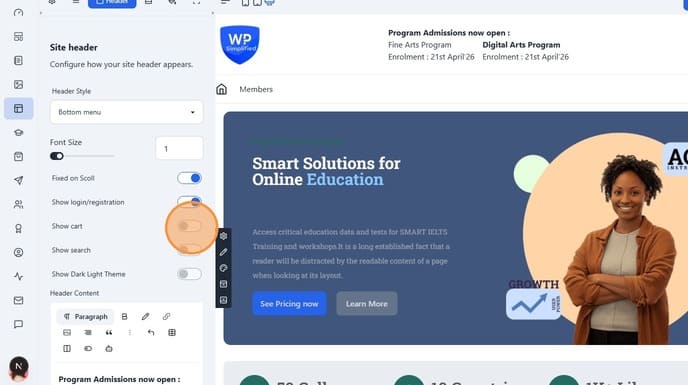
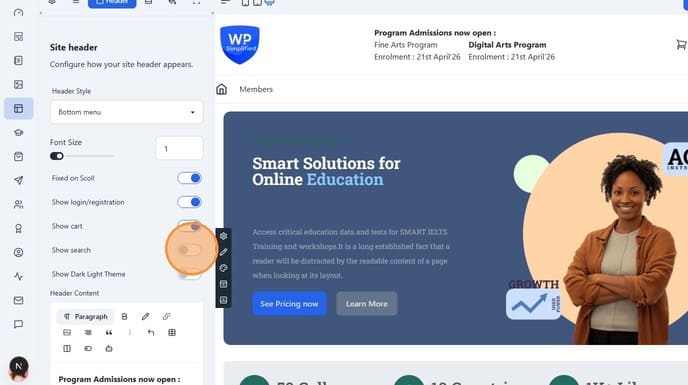
8. Use the toggles to show / hide icons in the header
>
9. Toggle Search, Cart, Login etc.
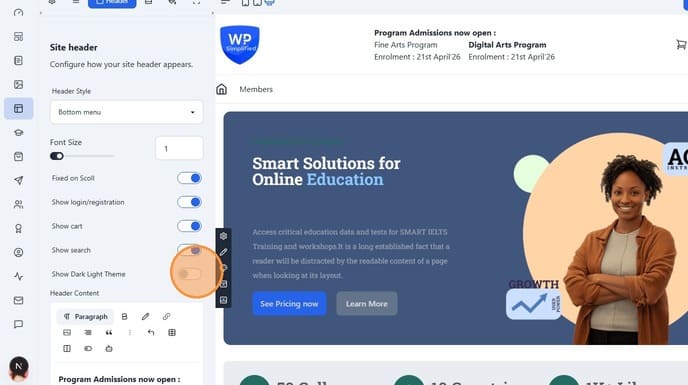
10. Also a "Show Dark Light Theme" field. Ensure you have colors configured in the theme seciton.
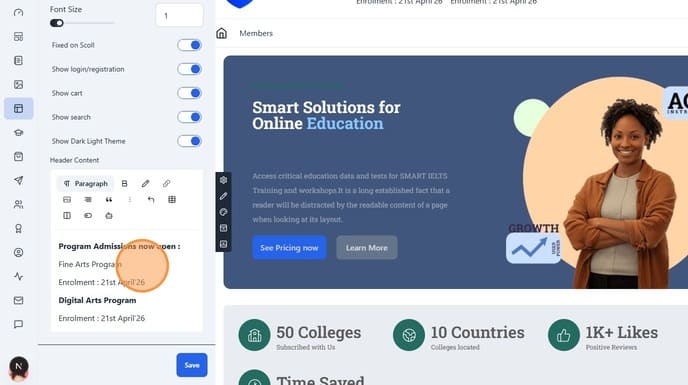
11. Optionally, if you selected a header style which is header content, then you can edit it directly.
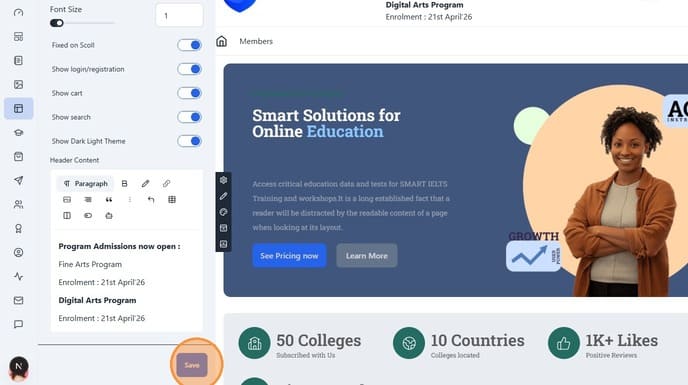
12. Click "Save"
>